Quick answer
- Pick one job your customer already does.
- Seed one realistic example with a judgement call in it.
- Say what’s pre-written or turned off on the intro card.
- Send live guidance, or captured screens to people who won’t install anything.
- Use the call to learn how they work today.
Asha is building ScopeNote, a tool for small agencies. It takes a client brief and turns it into a proposal: a suggested scope, a price, and a document you can send.
She has her first customer calls next week, with three agency owners who write proposals every month. She doesn’t want to spend those calls clicking through a demo while they watch. She wants them to try ScopeNote before the call, so the call can be about whether it fits how they work.
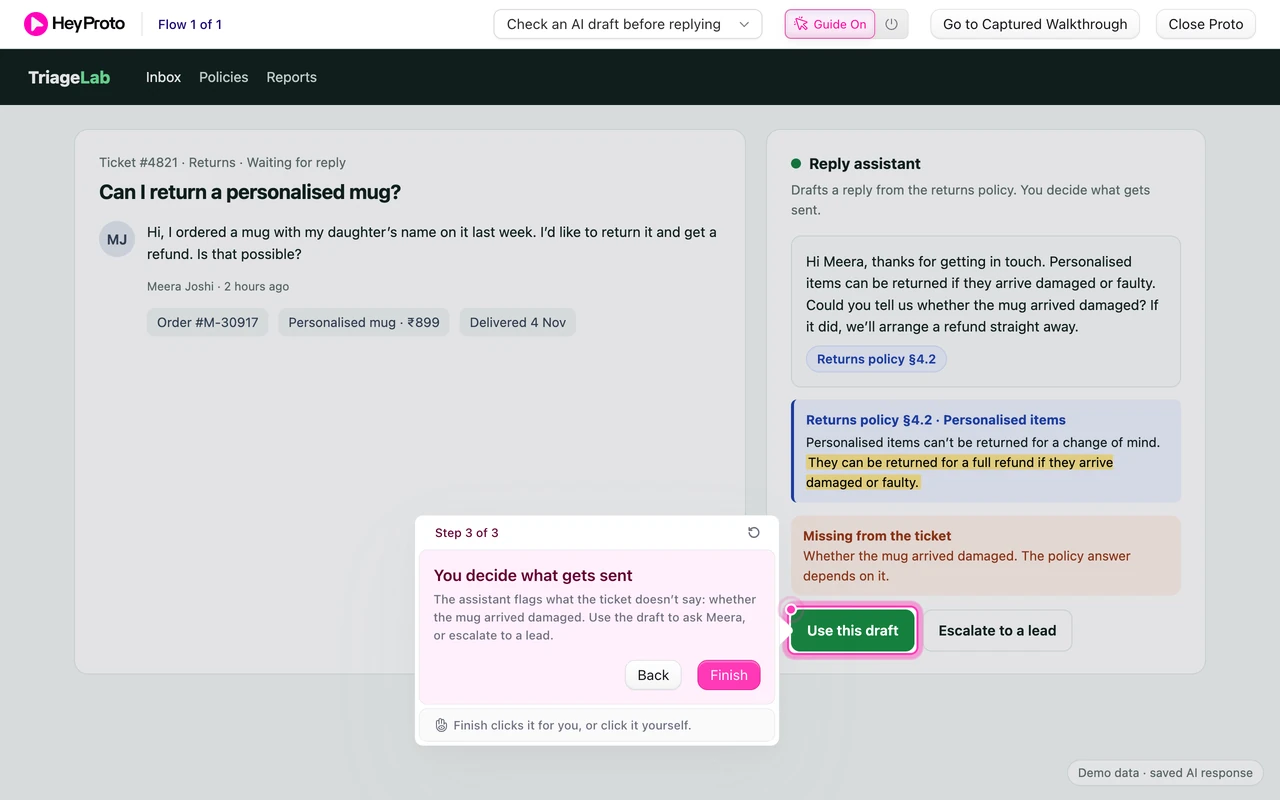
Asha, ScopeNote and the yoga studio brief are a teaching example. The screens are real HeyProto screens, recorded on a small sample prototype built for this article.
Pick one job your customer already does
A product tour shows every feature. A good MVP demo does one job the customer knows well, start to finish.
For Asha, that job is turning a brief into a proposal. Her agency owners do it every month, usually in a doc template, and they know where it hurts: working out what the client actually asked for.
So she seeds the prototype with one realistic brief. A small yoga studio wants a fresh five-page site, class booking that works on phones, and “some help with copy”. It’s ordinary, and it has one deliberately fuzzy request in it.
Say what’s real and what isn’t
Early customers forgive rough edges. They don’t forgive feeling misled. Asha puts the limits on the walkthrough’s intro card, where people read them before they start.
The card thanks them for trying it before the call, then says four things: it takes about two minutes; the brief and the AI draft are pre-written, so everyone sees the same thing; sending is turned off; and on the call she’ll ask how this compares with how they write proposals today.
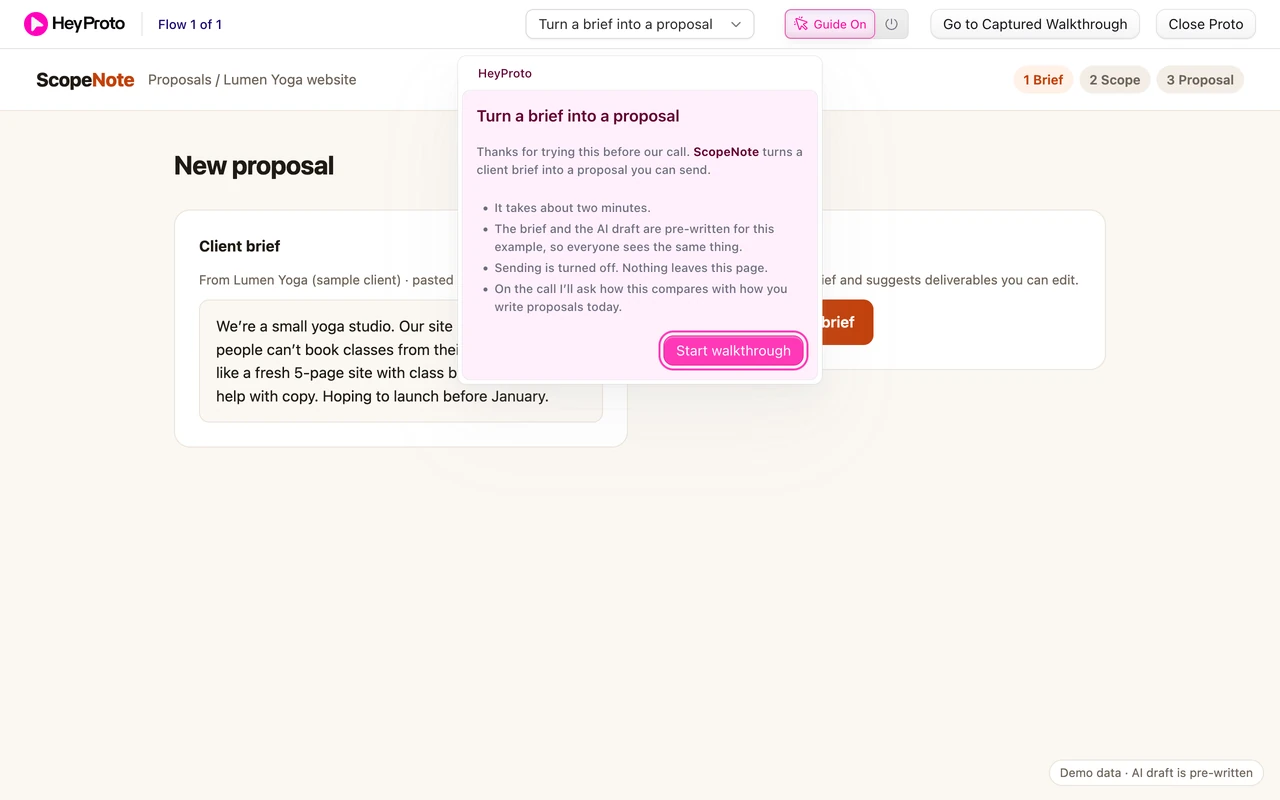
That last line matters most. It tells the customer what the demo is for: a comparison with their own process, not a test they can pass or fail.
Record the path, then point at the question
Asha records the flow once with the HeyProto extension: draft the scope from the brief, adjust it, preview the proposal. Three clicks, three steps.
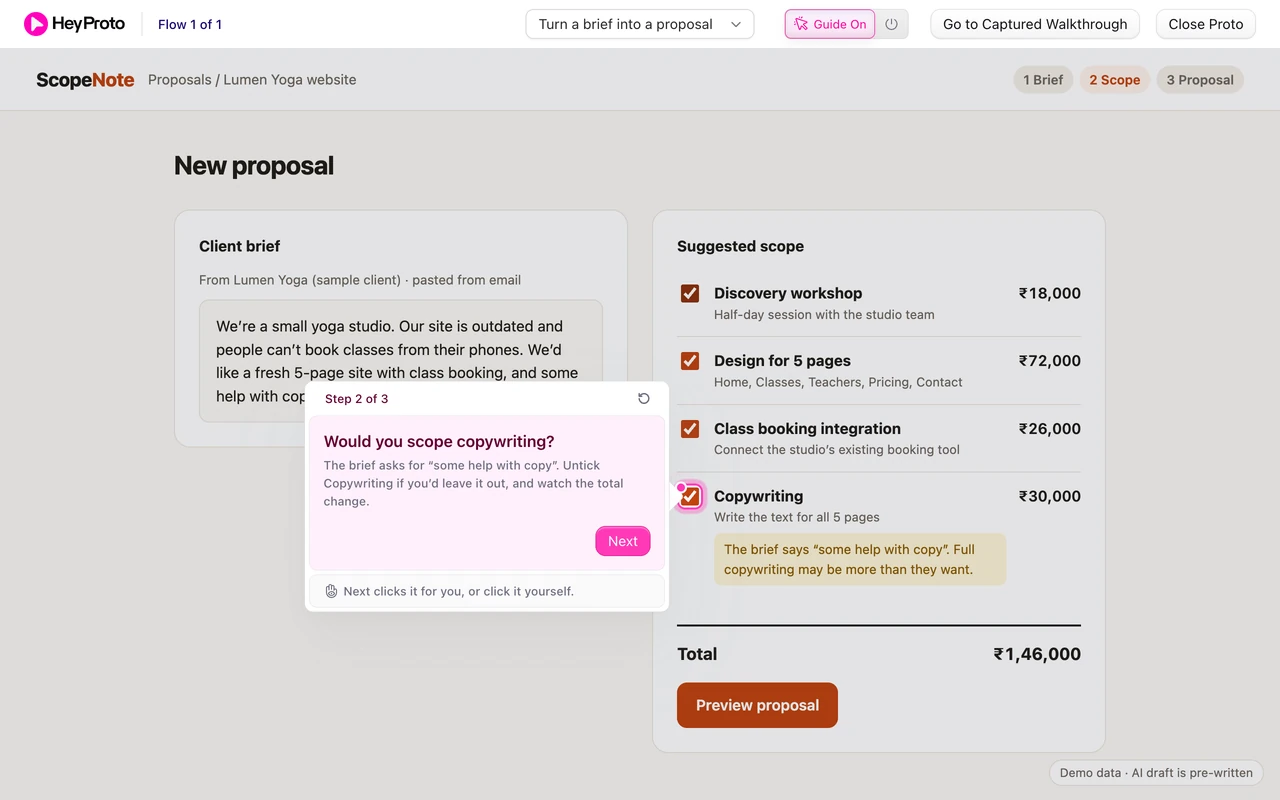
Then she rewrites the step that matters. ScopeNote’s draft includes Copywriting for ₹30,000, and flags it: “The brief says ‘some help with copy’. Full copywriting may be more than they want.” That’s exactly the judgement call her customers make every week.
Her step 2 asks them to make it: “The brief asks for ‘some help with copy’. Untick Copywriting if you’d leave it out, and watch the total change.” It doesn’t tell them the right answer, because there isn’t one. How they decide is what Asha wants to learn.
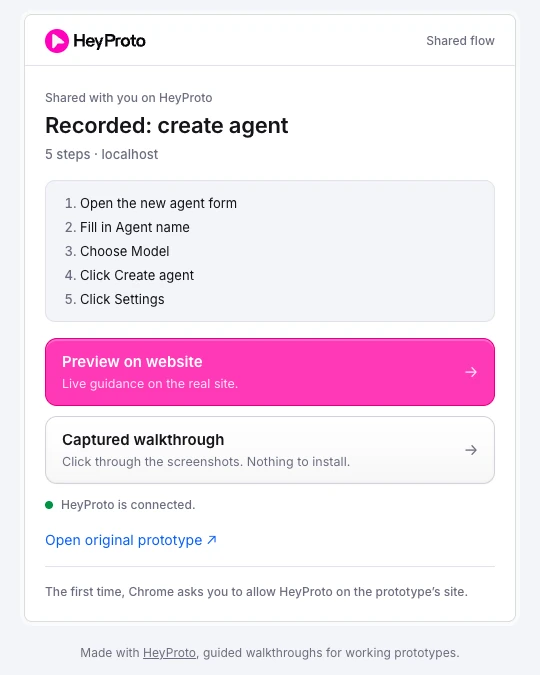
Send screens to people who won’t install anything
Two of the three agency owners will happily install a Chrome extension. The third won’t, and that’s fine.
HeyProto also records a captured walkthrough: the same steps on the recorded screens, playable in any browser. On the last step, it shows the scope with Copywriting unticked and the total down to ₹1,16,000, with the guide pointing at Preview proposal.
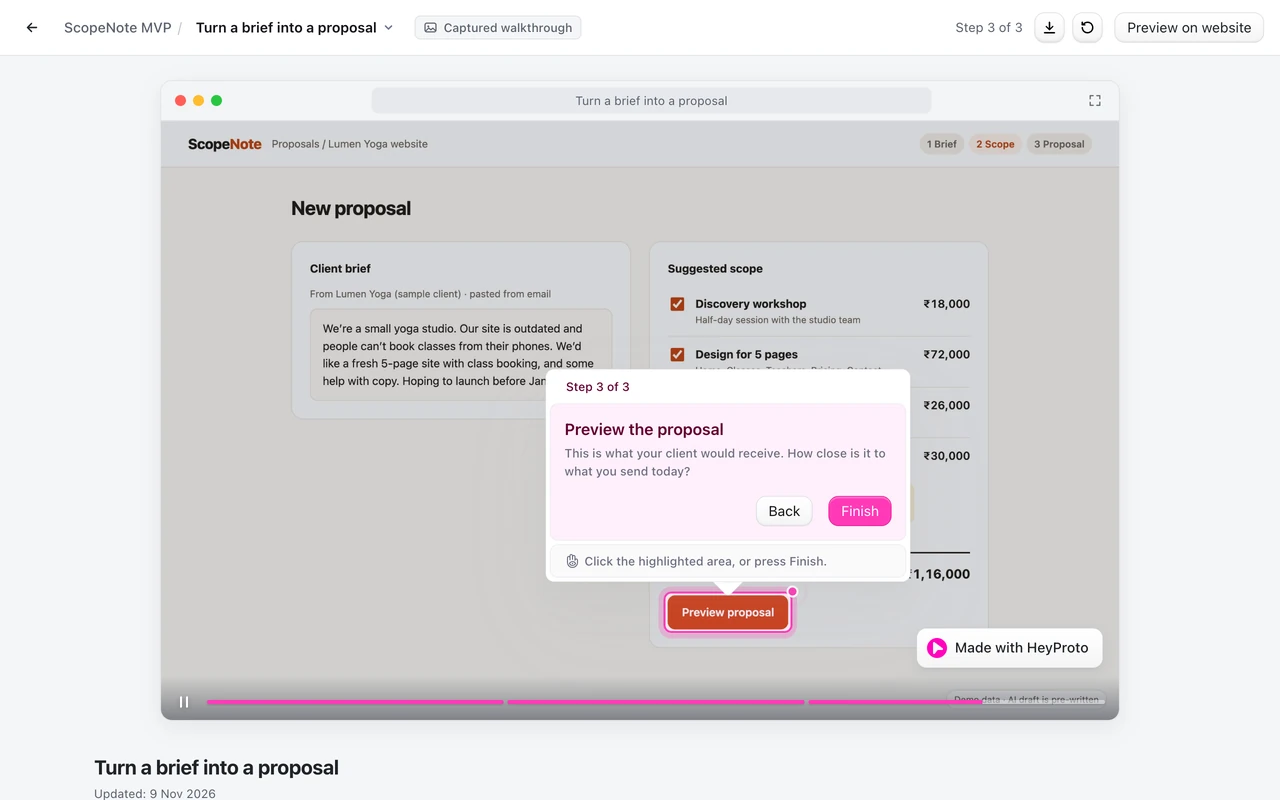
The captured version can’t respond to their clicks the way the live prototype does. For a first look before a call, that’s often enough. Asha sends live guidance to the two who’ll install the extension and the captured screens to the third.
Share one link, with a reason to open it
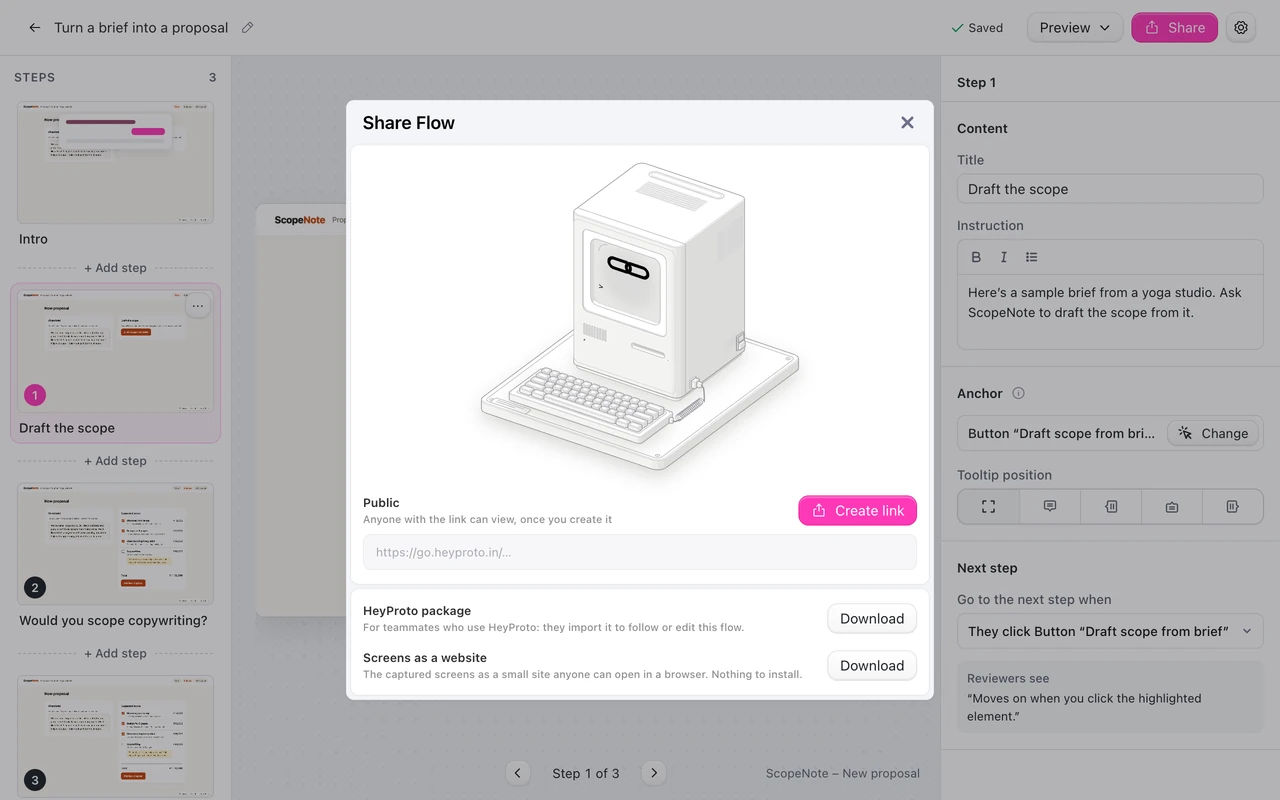
Asha creates a link from the Share sheet. If someone would rather not use a link, the same sheet can download the screens as a small website.
Her email is short:
Hi Neha, before Thursday's call, here's a 2-minute look at ScopeNote.
It turns a client brief into a proposal. The brief and AI draft are
pre-written, and sending is turned off.
Link: [walkthrough]
On the call I'd love to hear how you'd have scoped this brief,
and how that compares with what you send today.
For more on links and what reviewers need, see how to share a Lovable prototype.
Use the call to learn, not to pitch
The walkthrough did its job if the call starts with the customer’s own work. Asha asks:
- How would you have scoped “some help with copy”?
- How long does a proposal like this take you today?
- What would you have changed before sending this one?
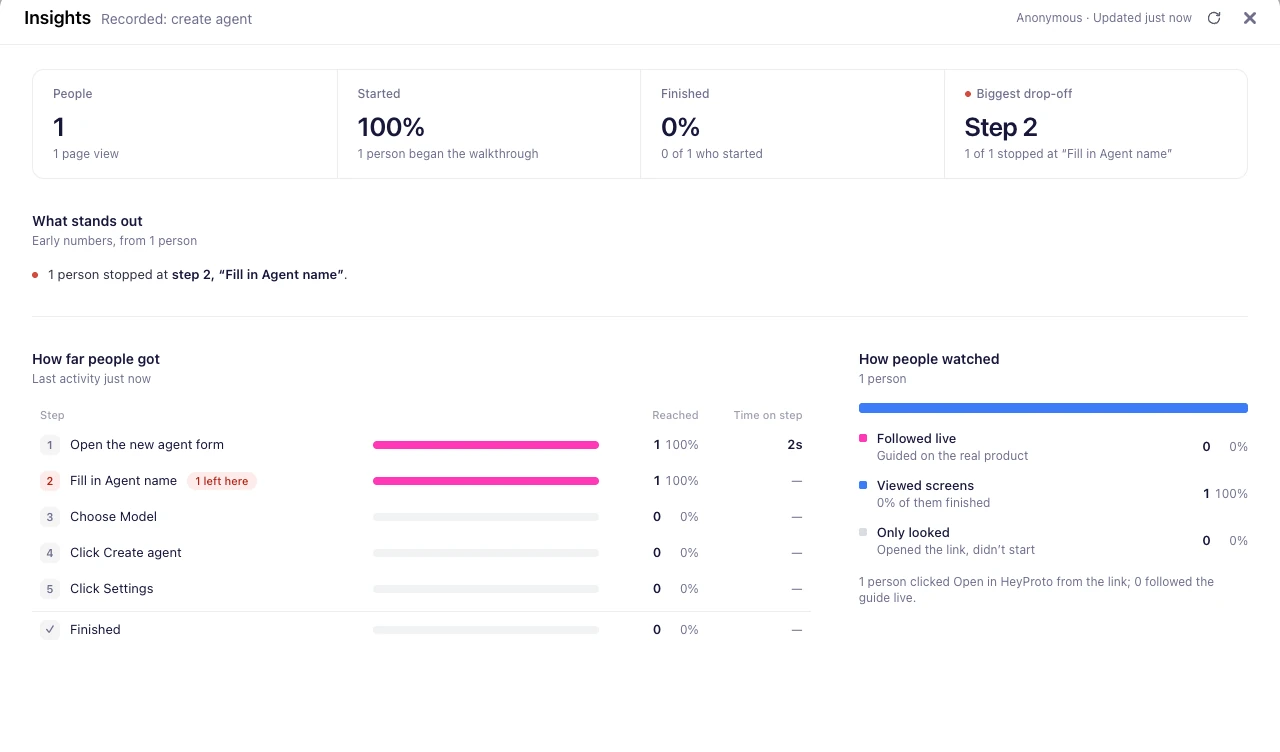
Finishing the walkthrough is not proof of demand. Someone can click through politely and never use ScopeNote again. What counts is what they tell you about their current process, and whether they want to try it on a real brief. Y Combinator’s advice on building product and talking to users covers why those conversations matter more than the demo.
For writing questions that get specific answers, read how to get useful prototype feedback.
Frequently asked questions
Should the AI part of an MVP demo be live?
Not necessarily. A pre-written draft means every customer sees the same thing, so you can compare reactions. Just say it’s pre-written, as Asha does on the intro card.
What if a customer doesn’t want to install an extension?
Send the captured walkthrough instead. It shows the same steps on recorded screens, in any browser, with nothing to install.
How long should an MVP demo be?
Short enough to finish before a call: a couple of minutes and a handful of steps. Show one complete job rather than every feature.